Maximo 9.0 Mobile: The Offline-First Feature Your Field Techs Actually Need
Maximo 9.0 Mobile finally goes true offline-first — SQLite local database, differential sync, and real conflict resolution.

The most underrated feature in Maximo 9.0 isn't flashy AI — it's the mobile app finally going true offline-first. Not "cached while you had signal." Not "works sort of in airplane mode." Real offline.
Here's what changed: Maximo Anywhere (the old stack) needed persistent connectivity. If you lost signal, you were dead in the water.
Maximo 9.0 Mobile ships with a local SQLite database, differential sync engine, and real conflict resolution. Your team downloads work queues before leaving coverage, and the app handles everything from there.
What This Unlocks in the Field
Nuclear Outage
Tech enters containment, loses signal completely, finishes all procedures, syncs on exit. Zero data loss.
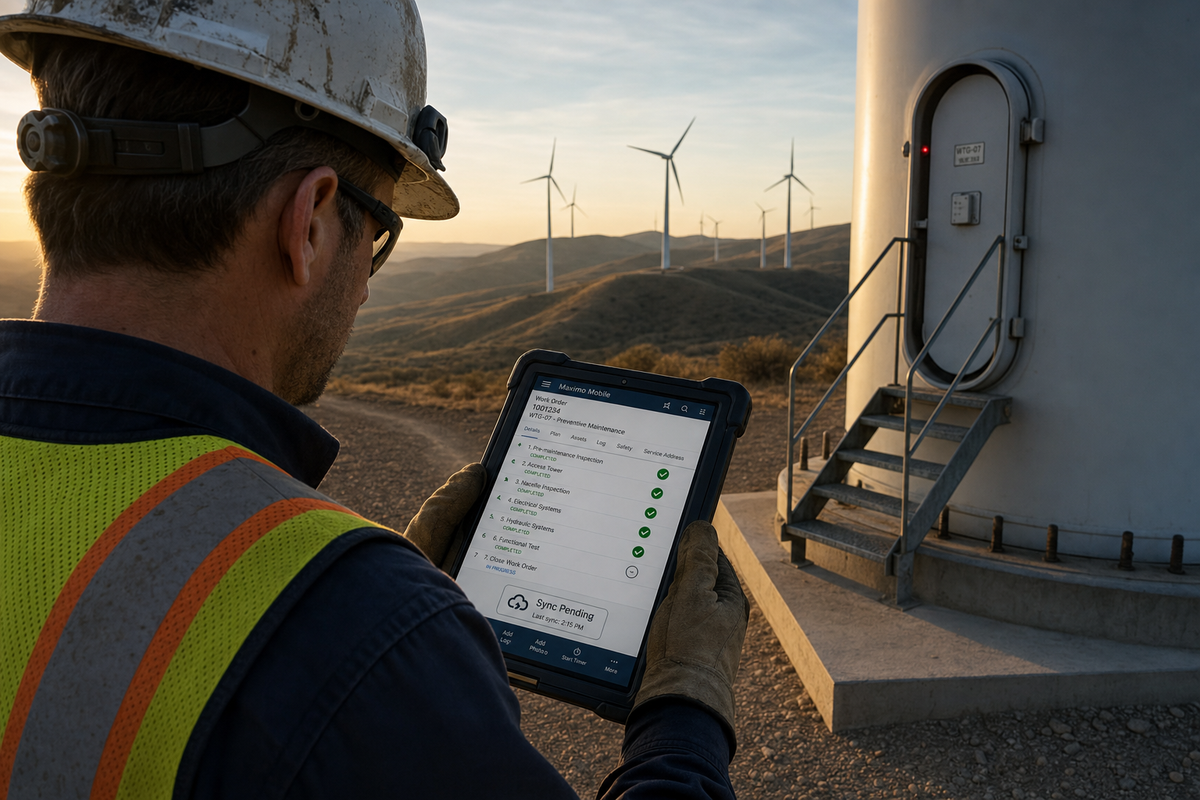
Wind Farm
Turbine 50 miles from the nearest cell tower. Full day of inspections and photo documentation — all offline, all synced when back in range.
Substation
Underground vault with zero coverage. Critical breaker maintenance documented with photos, notes, status updates. The data's there when you resurface.
The Tech Details That Matter
- 10k+ records per device, differential sync (not full dump)
- AES-256 local encryption with biometric unlock
- 30-day local retention with auto-purge after sync confirm
- Last-write-wins with manual override for conflicts
The dirty secret of CMMS adoption: your system is only as good as the data your field team can actually enter. If techs work in dead zones (and in heavy industry, they do), you've been flying blind on a significant chunk of your maintenance data.
Maximo 9.0 finally closes that gap. If you're running power generation, transmission, or any critical infrastructure with field crews in low-coverage environments — this alone justifies the upgrade.